

📄 Invoices and Payments
Estimated time: 10 minutes
Level: 🟡 Medium
Control what you owe and pay on time
🎯 What is a supplier invoice?
It is the document that the supplier sends you so that you can pay him.
Example:
Químicos del Mar sends you:
- Invoice #F-2024-0892
- For €630 (the order that arrived to you)
- Expiration: February 15 (30 days)
- Payment: Bank transfer
📝 STEP 1: Register invoice received
When:
When the supplier sends you the invoice (by email, mail...).
How:
- Go to Purchases → Supplier Invoices
- Press "New Invoice"
- Fill in data:
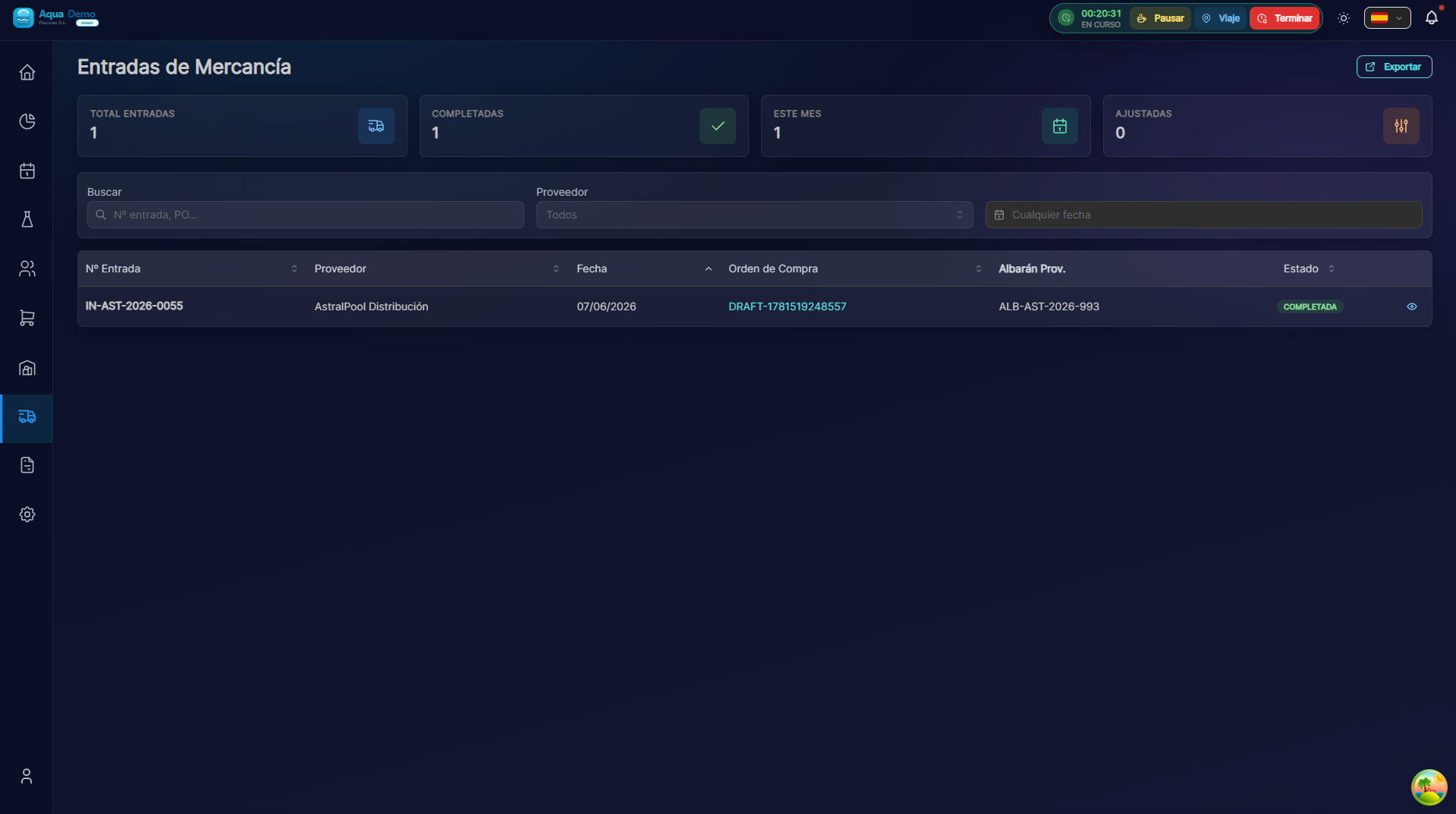
Captura con datos demo AquaDemo.Capture with AquaDemo demo data.
Important fields:
| Field | What is it | Why it matters |
|---|---|---|
| Invoice No. | Number provided by the supplier | For reference and search |
| Expiration date | When do you have to pay | To avoid paying late |
| Associated order | What purchase is | To square with reception |
📊 Invoice statements
| Status | Meaning | Action |
|---|---|---|
| 🟡 Pending | Not yet paid | Wait or schedule payment |
| 🟢 Paid | It's already been paid | Nothing, it's closed |
| 🔴 Expired | Payment date passed | Pay urgently |
| ⚪ Cancelled | Canceled | Error or total return |
💰 STEP 2: Pay bills
Option A: Individual payment
To pay a specific invoice:
- Find the invoice
- Press "Register Payment"
- Indicates:
- Payment date
- Payment method (transfer, check...)
- Bank account from which you pay
- Confirm
Option B: Mass payment (remittance)
To pay many bills at once:
- Go to Purchases → Payments → New Remittance
- Select pending invoices
- The system groups by supplier
- Generate file for the bank
- Upload to your online banking
Advantage: A single file, the bank makes all payments.
📅 Expiration control
In Purchases → Expirations you see:
What is it for:
- Know how much you have to pay this week
- Forecast money outflows
- Don't forget payments
💡 Management Tips
Tip 1: Group payments
Make weekly or biweekly payments, not one at a time each day.
Tip 2: Take advantage of deadlines
If they give you 30 days, pay after 30, not before (your money generates interest).
Tip 3: Check before paying
Check that the invoice matches what you received before paying.
Tip 4: Keep receipts
When you pay, keep the bank receipt.
❓ Frequently asked questions
"What if the bill is wrong?"
Don't pay it. Claim the supplier to issue you a corrected invoice.
"Can I pay part of a bill?"
Yes, it indicates "partial payment" and the rest is pending.
"What is a remittance?"
A file that you send to the bank with several payments. The bank makes them automatic.
"Does the supplier know that I have registered their invoice?"
No, this is for your internal management. You let him know when you pay.
✅ Invoice checklist
Upon receipt of invoice:
- [ ] I review it and table with order/reception
- [ ] Registration in the system
- [ ] I write down the expiration date
- [ ] Save PDF
When paying:
- [ ] I verify that it is correct
- [ ] Register the payment
- [ ] I keep bank receipt
- [ ] Frame as paid