

🛠️ Portal Features
Estimated time: 8 minutes
Level: 🟢 Easy
Everything your clients can do alone (Portal 2.0)
📋 Feature List
| Function | Description | Benefit for you |
|---|---|---|
| Multi-pool | Installation selector in dashboard and history | A single login for hotels or communities |
| See pools | Status of each pool | Fewer "how's my pool?" calls. |
| History | Visits made by pool | Transparency, trust |
| Budgets | View, PDF, sign and accept | Closings without going to the office |
| Orders | Post-acceptance monitoring | The client knows that the order is underway |
| Invoices | View, detail and download PDF | Fewer emails asking for copies |
| Delivery notes | Documented deliveries (optional) | Clients with delivery note model |
| Incidents | Mobile FAB to report breakdowns | Organized channel |
| Check debt | View pending amount per invoice | Fewer collection calls |
🏊 1. My Pools
See details of a pool:
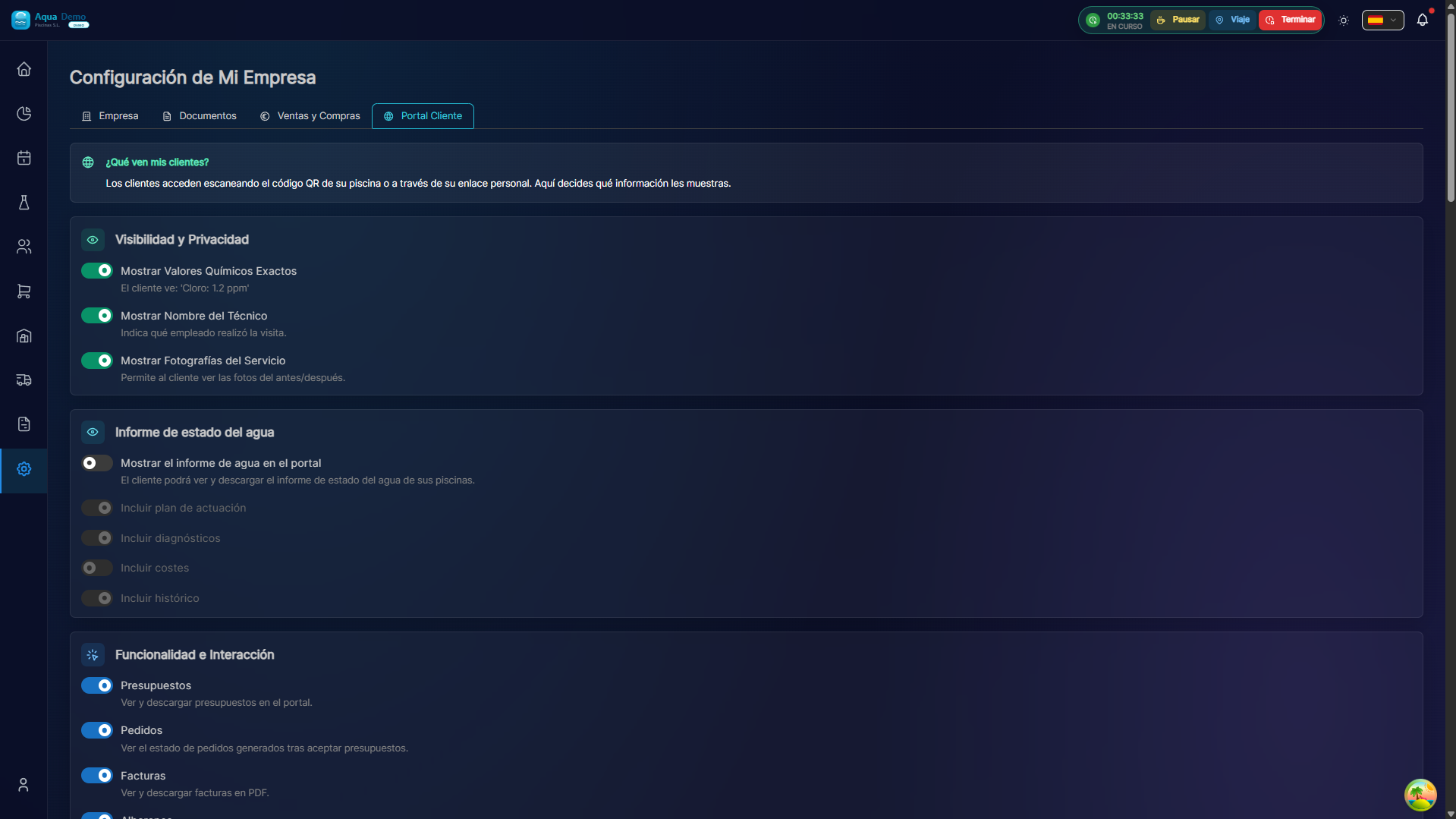
Captura con datos demo AquaDemo.Capture with AquaDemo demo data.
📋 2. Visit History
📝 3. Budgets
See Quotes: unified listing, digital signature, PDF and flow to automatic order.
📋 4. Orders
See Orders: order status after accepting quote.
🧾 5. Invoices and Payments
See My Invoices: Pending/paid KPIs, mobile drawer, PDF in detail.
Bill collection
The portal shows pending balance and PDF; does not process online payments. You manage the collection in the ERP (payment record, SEPA remittances, etc.).
🚚 6. Delivery notes
See Delivery Notes — only if you activate the section in settings.
💬 7. Messages and Contact
➕ 8. Request Services
👤 9. My Profile
💡 Tips for customers
Contextual help:
💡 CONSEJO
¿Sabía que puede descargar un informe mensual
completo con todas las visitas y parámetros?

[📄 Generar informe de enero]
❓ Frequently asked questions
"Can the client modify data?"
Contact details only. You cannot change prices or contracted services.
"Can you cancel a visit?"
Request cancellation, but you must confirm it.
"Do the messages arrive in real time?"
Yes, they appear in your admin panel immediately.