

🧾 Invoices
Level: 🟢 Easy
Invoice and payment management from the portal (Unified UI 2.0)
🎯 What can the client do?
The client can:
- View all your invoices with pagination
- Consult KPIs: pending amount and paid invoices on the current page
- Open the detail (drawer on mobile, modal on desktop) with lines and total
- Download PDF from the detail
- View payment status: if the balance is €0, Paid is displayed even if the internal status is partial
Collection
The portal does not include an online payment gateway (card/Stripe). The client consults and downloads invoices; The collection is managed outside the portal (transfer, direct debit, cash, etc.) according to your company.
📋 Invoice View
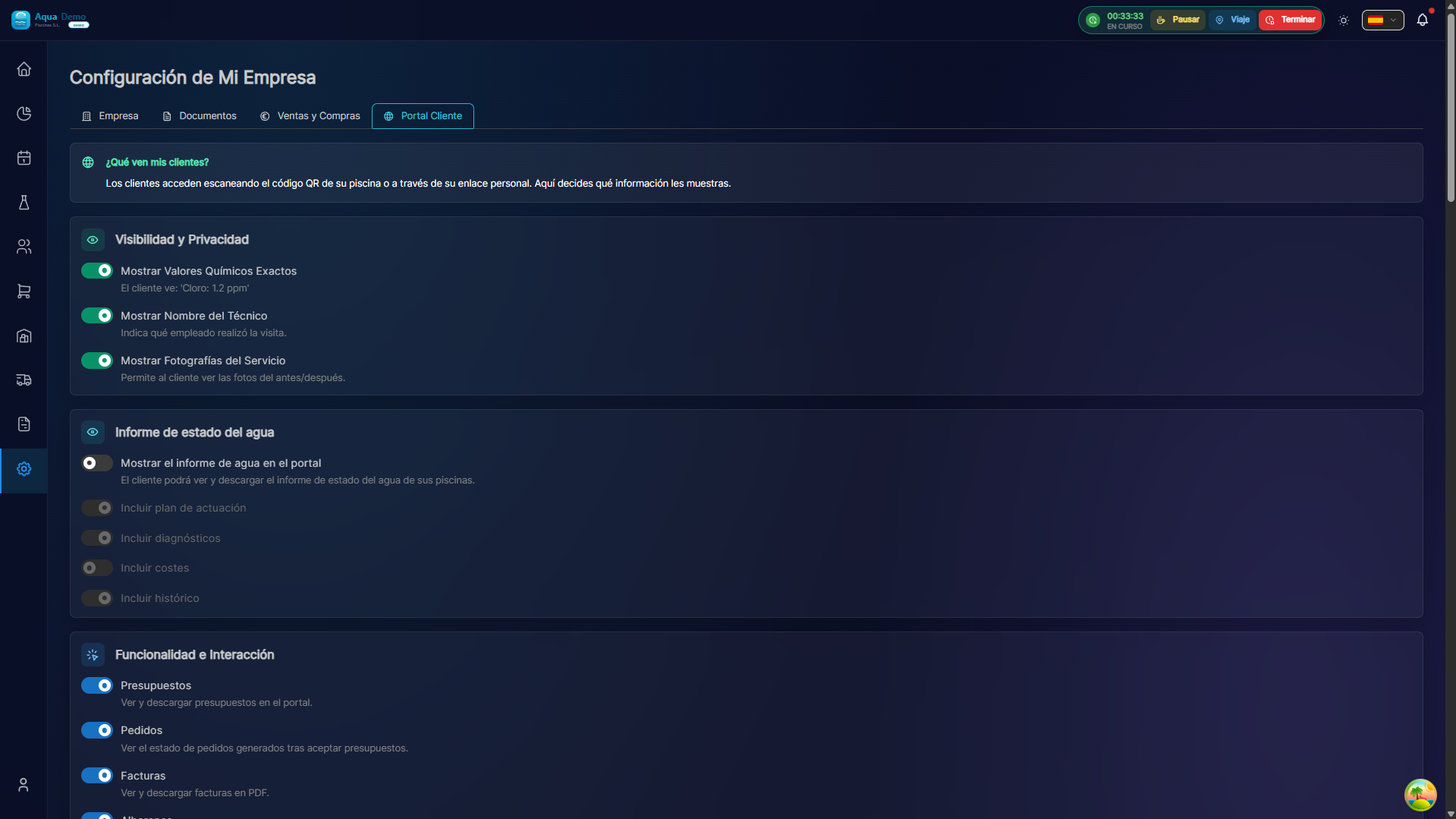
Captura con datos demo AquaDemo.Capture with AquaDemo demo data.
| View | Behavior |
|---|---|
| Mobile | Touch cards; touch opens detail |
| Desk | Table with number, date, amount, status and expiration |
💳 How does the client pay?
From the portal there is no payment button. The client sees the pending amount and downloads the PDF for accounting. To pay, you must use the channels that your company indicates (bank details on invoice, SEPA, office, etc.).
📄 Invoice detail
When you open an invoice, the dashboard displays:
- Lines with concept, quantity and prices
- Total highlighted with EUR currency format
- Footer with outstanding balance or "Fully paid"
- Download PDF button