

Incidents on the Portal
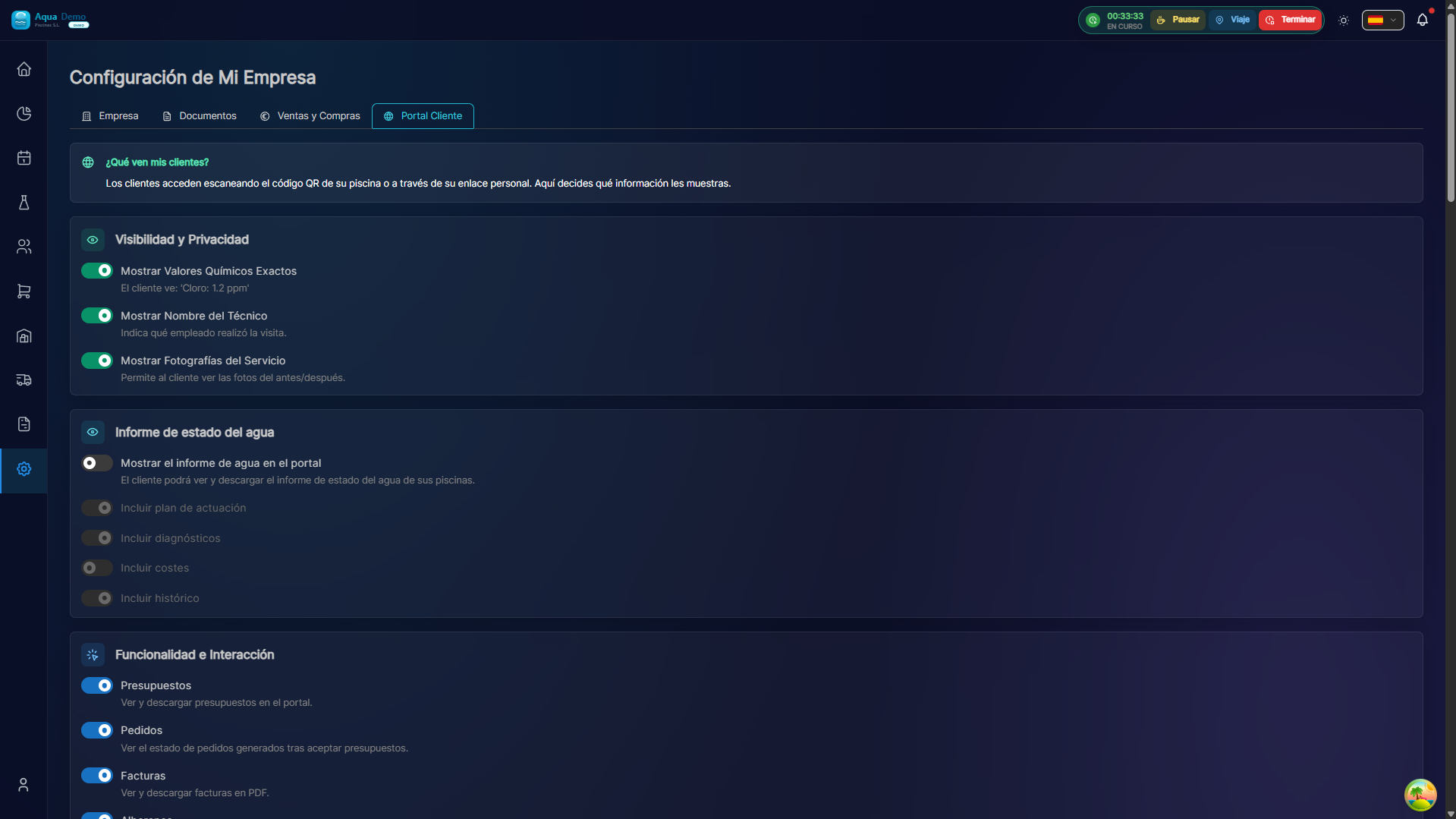
Captura con datos demo AquaDemo.Capture with AquaDemo demo data.
Summary
Customers can report faults, track status in /portal/incidents and add messages while the ticket is open. The team receives the alert in the ERP (incidents / bell).
Without online payment
The portal does not charge or manage payments. Incidents are an operational communication channel, not billing.
Access
- Entry: poolcontrolpro.com/portal/login
- Magic link by email (without fixed password)
- Menu Incidents or floating button Report fault (mobile)
Requirement: Incident report active in Settings → Company → Customer Portal.
Report a fault
Path: /portal/incidents/new
| Field | Description |
|---|---|
| Pool | Selector if the client has multiple installations |
| Category | WATER, ENGINE, LEAK, CLEANING, ELECTRICAL, OTHER |
| Description | Minimum 10 characters |
| Photos | Optional, upload to Cloudinary |
After sending, the client goes to the incident detail with reference type INC-2026-A1B2C3.
Monitoring (My Incidents)
Path: /portal/incidents
States visible to the client:
| Status | Meaning |
|---|---|
| Received | Reported, pending management |
| In process | There are internal tasks in progress |
| Scheduled visit | Assigned visit with future date |
| Solved | Closed with resolution note |
The detail shows a timeline: initial report, team responses, client messages, and closure.
Two-way messages
While the incident is not resolved, the client can add comments from the detail. The administrator responds from the ERP with «Send to customer portal» in the incident file.
For administrators
- Incidents → History — all tenant entries
- Open detail → tasks, classification, solve
- Panel Response to the client portal — message visible on the client's timeline
- When resolving, the
resolutionNotesare shown to the client as closure
Incidents from the portal create a Visit PENDING + Notification type MANUAL_INCIDENT assigned to the first active ADMIN.
Frequently asked questions
Can the customer cancel an incident? Not in this version. You can add a message indicating that it is no longer needed.
Are there urgency levels on the form? No. The portal sends high priority by default; the team reclassifies in the ERP.
Push notification to customer when technician responds? Not automatic by email/push; The client must consult My Incidents.