

Real menu (billing module)
Business: Budgets, Orders, Commercial activity, New Quick Sale (POS), Cases / Shifts. Delivery notes via orders/deliveries. Requires plan with INVOICING_*.
💰 Sales and POS
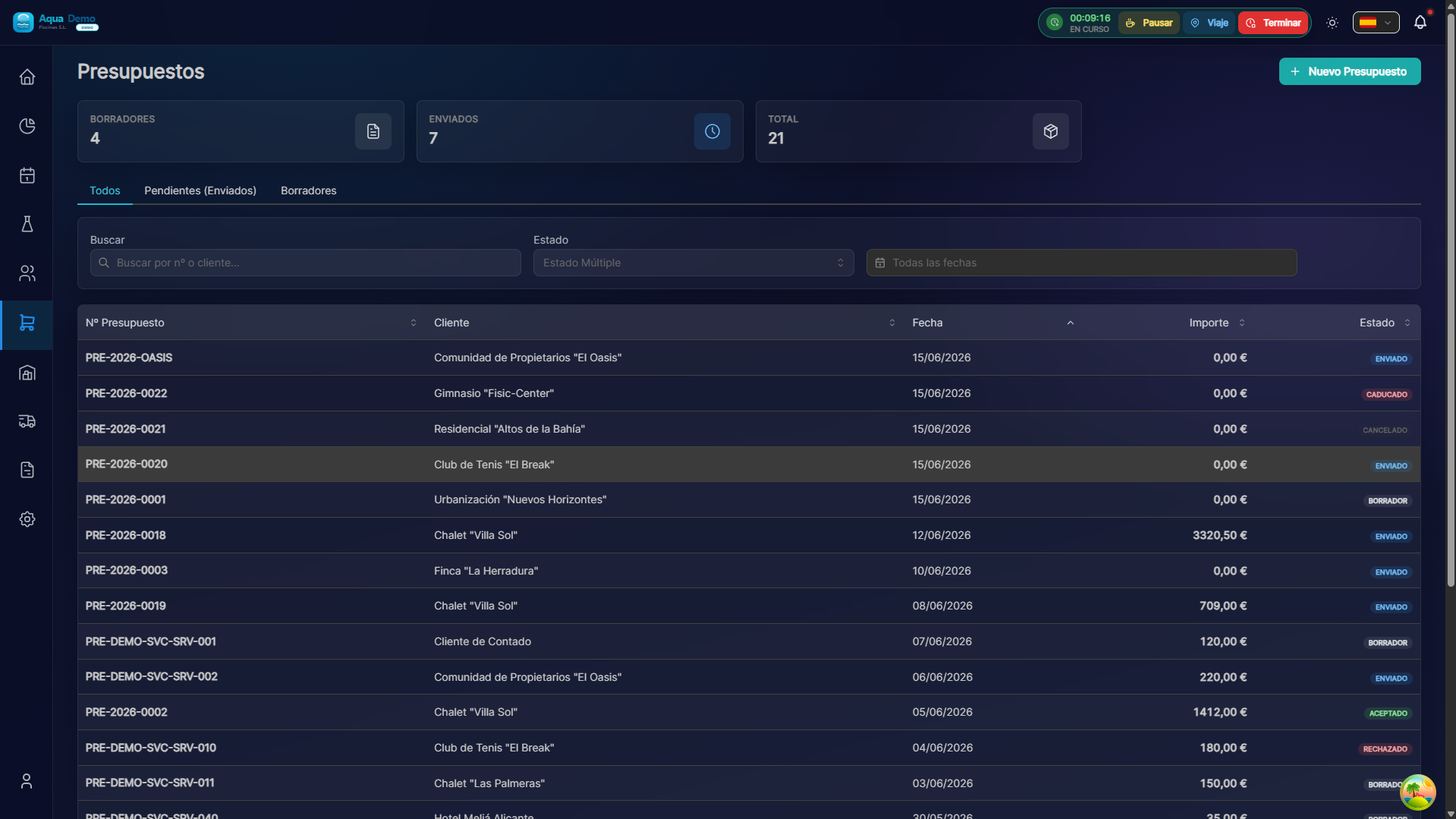
Captura con datos demo AquaDemo.Capture with AquaDemo demo data.
What are you going to learn here? How to sell products to customers who pass by your store or counter.
🎯 What is the Sales module?
This module is used to sell products to customers who come to your physical store.
Examples of use:
- A client comes in and wants 5kg of chlorine
- A community stops by to pick up material for their pool
- An individual purchases a pH meter
NOT for:
- ❌ Bill maintenance (that's Billing)
- ❌ Buy from suppliers (that's Purchasing)
- ❌ Online sales (this is only a physical store)
🏗️ Key concepts
POS vs Billing
| Concept | When to use | Example |
|---|---|---|
| POS (Quick Sale) | Customer passes by store and takes product | "I want 2kg of chlorine" |
| Billing | Charge periodic services | "Monthly maintenance bill" |
Flow of a sale
1. CLIENTE ENTRA
        ↓
2. Pides qué quiere
        ↓
3. Buscas producto en TPV
        ↓
4. Añades al carrito
        ↓
5. Cobras (efectivo/tarjeta)
        ↓
6. Das ticket/albarán
        ↓
7. Stock se descuenta automático
📋 What can you do here?
✅ Cash Register
- Open cash register in the morning (count initial money)
- See movements in real time
- Close cash register in the afternoon (cash collection)
- History of closed boxes
✅ Point of Sale (POS)
- Search products quickly
- Add to cart
- Apply discounts
- Collect in cash or card
- Print ticket
✅ Delivery notes
- Generate delivery note
- Delivery note to take away (customer picks up later)
- Delivery note on account (collect later)
✅ Budgets
- Create quotes for clients
- Save and edit later
- Convert quote into sale
✅ Customer Orders
- Manage customer orders
- Reserve stock
- Prepare and deliver
✅ Returns
- Return products
- Generate credit note
- Refund money
🗺️ Navigation map
📁 SALES & POS
│
├── 🏦 [Cash Register](./cash-register)
│   └── Open, close, cash count
├── 🛒 [Point of Sale](./pos-canvas)
│   └── Sell products at the counter
├── 📄 [Delivery Notes](./delivery-notes)
│   └── Delivery documents
├── 📋 [Quotes](./quotes)
│   └── Quotes for customers
├── 📦 [Customer Orders](./customer-orders)
│   └── Order and delivery management
└── 🔄 [Returns](./returns)
    └── Manage returns
🎓 Sales Glossary
| Term | Meaning |
|---|---|
| POS | Point of Sale Terminal (the box) |
| Delivery note | Product delivery document |
| Budget | Price offer (not sale yet) |
| Tonnage | Counting money when closing cash register |
| Closing of box | End turn and count |
| Ticket | Purchase receipt |
| On account | Sell now, collect later |
💡 When to use each function?
Customer buys and takes product today:
→ Use POS → Immediate sale
Customer buys but picks up tomorrow:
→ Use Delivery Note → Reserve the product
Client asks for price to think about it:
→ Use Budget → Give a written price
Customer purchases and wants scheduled delivery:
→ Use Customer Order → Delivery programs
Customer returns defective product:
→ Use Returns → Refund money