

🔌 Integrations
Estimated time: 12 minutes
Level: 🔴 Advanced
Connect PoolControl with the outside world
🎯 What are integrations?
Integrations allow PoolControl to communicate with other programs.
Examples:
- Export invoices to your accounting program
- Synchronize visits with Google Calendar
- Connect with your CRM
- Access via API for own developments
📋 Types of Integrations
| Type | For what | Complexity |
|---|---|---|
| Export | Extract data (Excel, CSV...) | 🟢 Easy |
| Synchronization | Keep synchronized (calendar) | 🟡 Media |
| API/Webhooks | Schedule connections | 🔴 Advanced |
📤 Data Export
Export to Accounting:
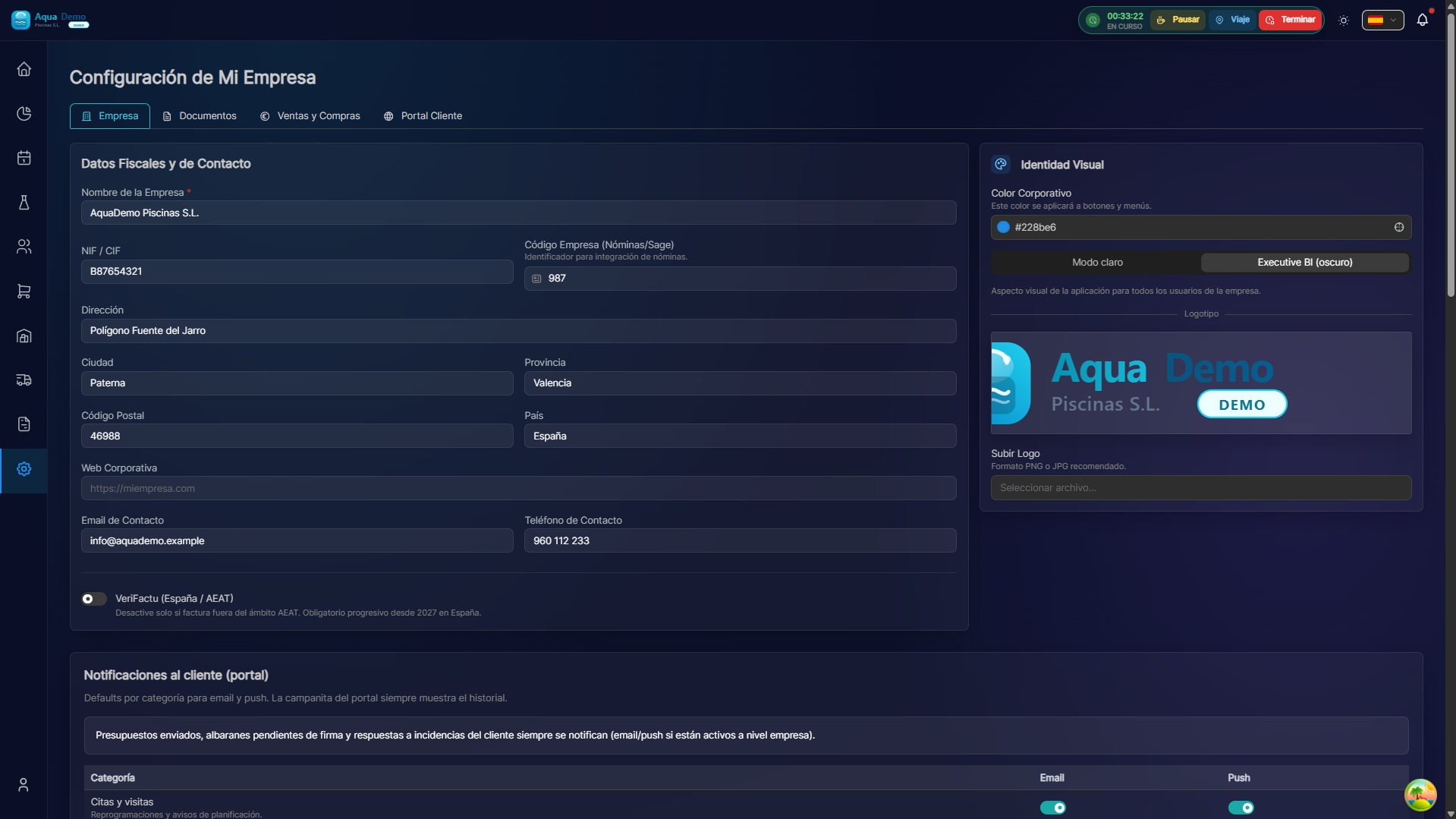
Captura con datos demo AquaDemo.Capture with AquaDemo demo data.
Exported file format:
🔗 Webhooks
Webhooks send push notifications when something happens.
Examples of use:
💡 Tips
Tip 1: Always test
Before trusting an integration, test that it works.
Tip 2: Periodic manual backup
Even if you have integrations, do monthly export to Excel.
Tip 3: Secure Token
Don't share your API token. If it leaks, refill it immediately.
Tip 4: Consult your manager
Before automating accounting exports, talk to your manager.
❓ Frequently asked questions
"Can I integrate with any program?"
If it has API or accepts file import, probably yes.
"Are the integrations automatic?"
Depends. Some are automatic (webhooks), others require manual export.
"Do I need a programmer to use the API?"
For simple things, no. For complex integrations, yes.
"Is it safe to give out my API token?"
Only to reliable services. The token gives access to your data.
✅ Integrations checklist
- [ ] Tested accounting export with manager
- [ ] Calendar synchronized successfully
- [ ] Webhooks working (check logs)
- [ ] Securely saved API token
- [ ] Push notifications reaching your mobile
- [ ] Revised API documentation