

🏊 My Pools
Level: 🟢 Easy
Detailed view of each pool from the customer portal (multi-installation)
🎯 What does the client see?
Customers with multiple pools (hotels, communities, sports facilities) use the facility selector in the dashboard and history to change pools without logging out.
In each installation you see the complete detail of that pool.
📋 Information displayed
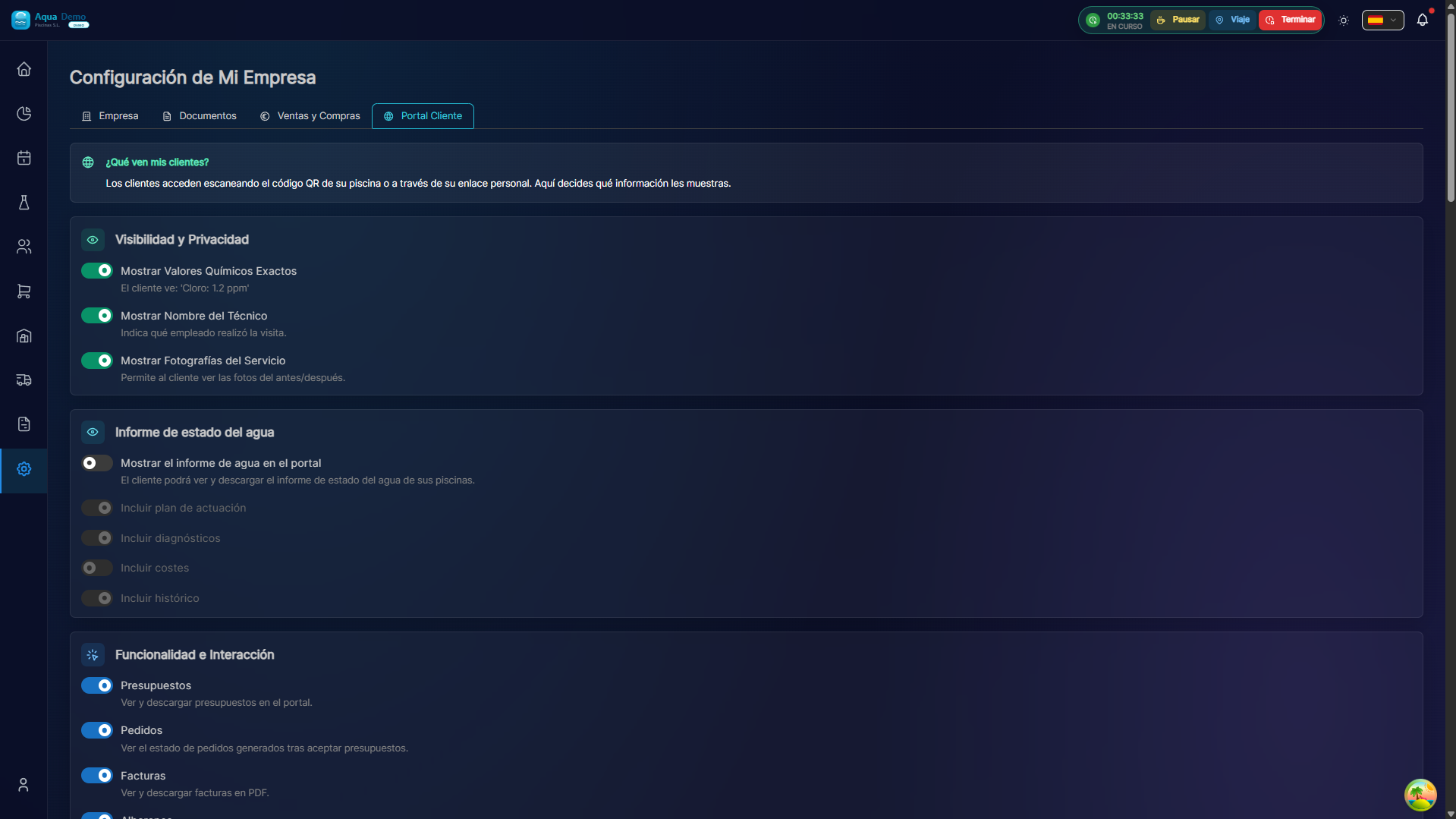
Captura con datos demo AquaDemo.Capture with AquaDemo demo data.
🎨 Pool States
The system shows the status with colors:
| Status | Color | Meaning |
|---|---|---|
| Optimal | 🟢 | All parameters correct |
| Attention | 🟡 | Some parameter at the limit |
| Problem | 🔴 | Parameter out of range |
📱 Navigation
The client can:
- Switch between your different pools
- See the history of each one
- Download monthly reports