

📦 Physical Inventories
Status: 📅 Coming soon - Q3 2026
Priority: 🔴 CRITICAL for warehouse control
Actual control vs theoretical stock
🚧 Functionality in Development
The complete physical inventory system is under construction. Currently you can do individual manual adjustments, but not full inventory sessions.
Difference between manual adjustment and physical inventory:
| Feature | Manual Adjustment (Current) | Physical Inventory (Coming Soon) |
|---|---|---|
| Scope | A product | A whole warehouse |
| Traceability | Basic | Complete with audit |
| Multiple users | No | Yes, simultaneous |
| Blind inventory | No | Yes |
| Differences | Manual | Automatic |
| Approval | Immediate | By responsible |
🎯 What will the inventory system include?
1. Create Inventory Session
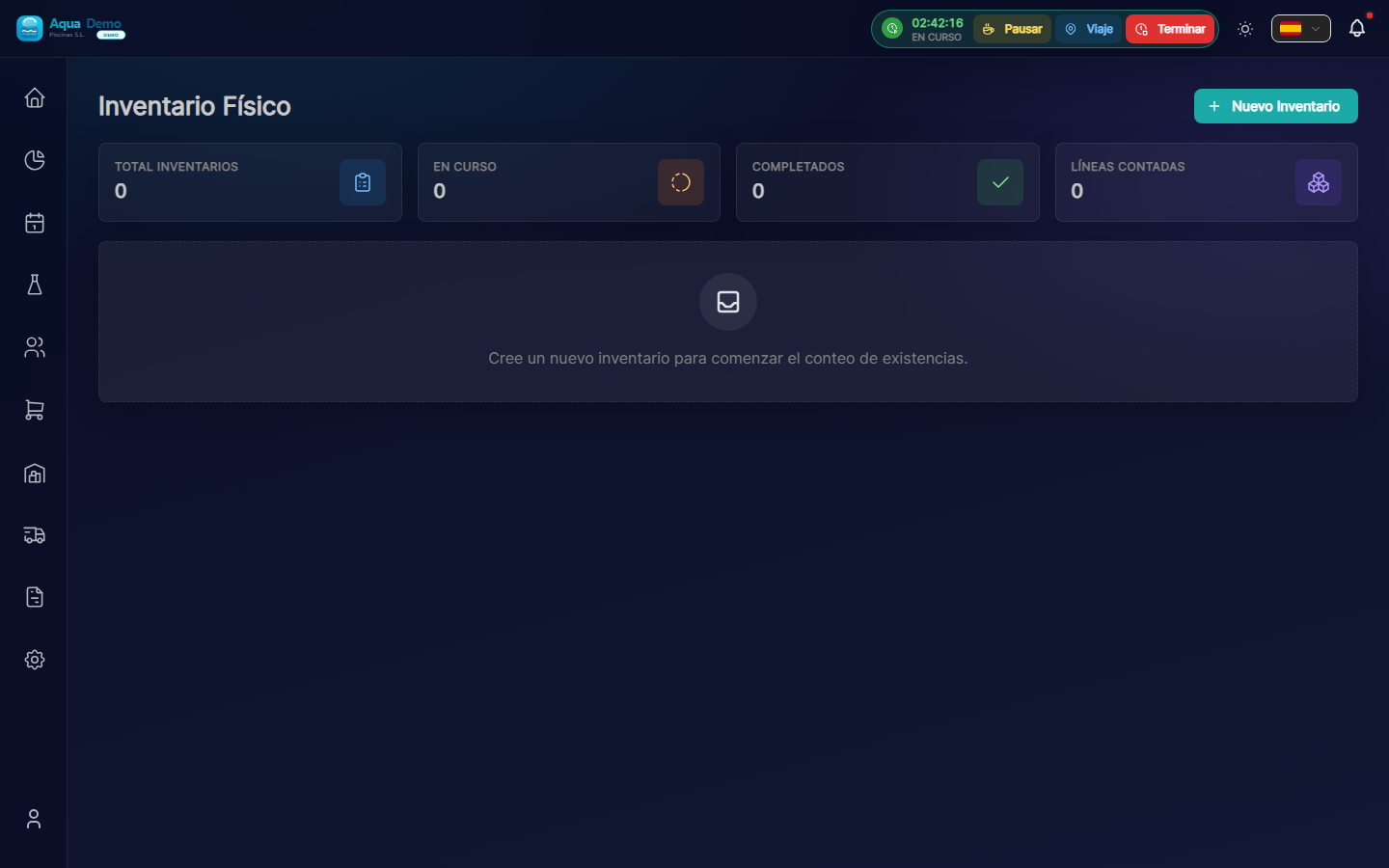
Captura con datos demo AquaDemo.Capture with AquaDemo demo data.
2. Counting with Mobile App
Technicians will be able to count using:
Option A - Barcode Scanner:Option B - Paper list (for later):
4. Approval and Adjustments
- [ ] Review by warehouse manager
- [ ] Justification of differences greater than 5%
- [ ] Approval with double verification
- [ ] Automatic application of settings
- [ ] Generation of final report
📊 Inventory Report
Upon completion it will be generated:
💡 Recommendations While It Arrives
Current option: Manual settings
If you need to adjust stock now:
- Go to Inventory → Stock → Adjust
- Select the product
- Indicates actual quantity
- Add reason: "Physical inventory 03/15"
- Save
Good practices:
- [ ] Make periodic inventories (monthly or quarterly)
- [ ] Use the same equipment whenever possible
- [ ] Blind inventory for greater accuracy
- [ ] Investigate differences greater than 5%
- [ ] Document causes (breakage, expiration, theft...)
❓ Frequently Asked Questions
"When will it be ready?"
Forecast: Q3 2026. It is a complex functionality that requires a mobile app and synchronization.
"Can I take inventory now?"
Yes, but manually product by product using stock adjustments.
"Will it work offline?"
Yes, the technician's app will be able to count offline and synchronize later.
"Can I have a barcode scanner?"
Yes, it will be the recommended way. It will also work with the mobile camera.
✅ Preparation Checklist
While the complete system arrives:
- [ ] Assign warehouse manager
- [ ] Define inventory periodicity
- [ ] Create clear locations in the warehouse
- [ ] Label all products well
- [ ] Prepare manual tally sheets
📦 Physical inventory is the basis of control
Without counting, you can't trust the numbers.
Full roadmap: Ver ROADMAP_ERP