👋
First time here
Did you just arrive? We explain everything from scratch, without assuming that you know anything about computing.


Learn how to manage your pool maintenance company step by step. No technicalities, no complications.

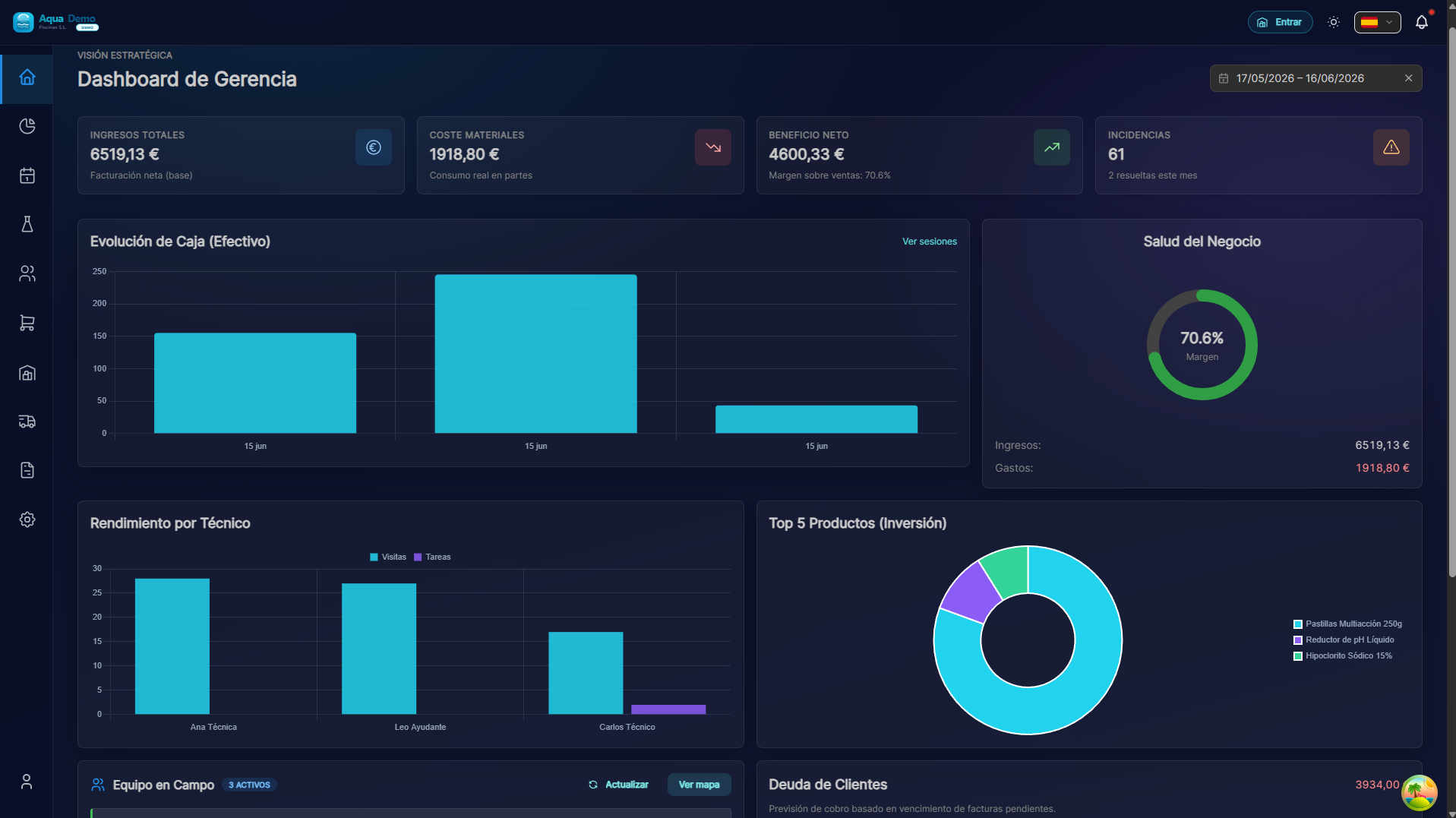
Captura con datos demo AquaDemo.Screenshot with AquaDemo demo data.
This is the PoolControl Pro help guide. Think of it as your software manual — written by real people who understand that not everyone was born knowing how to use computers.
In one sentence: A computer and mobile app that helps you run your pool cleaning and maintenance business.
In more detail: Imagine you have several workers cleaning pools across the city. PoolControl helps you:
All in one place — no paper, no lost spreadsheets, no "I think I wrote that down somewhere…".
We've organized this guide into 4 main areas. Pick the one that fits what you need:
Who it's for: You just signed up for PoolControl and don't know where to begin.
What you'll find:
Real example: "I used to write pools in a notebook. How do I add them to the software?" → We walk you through it step by step.
Who it's for: You already use PoolControl but want to know what else it can do, or you need help with something specific.
What you'll find:
How it works: Use the menu on the left for all topics. For something specific, use the search bar above (🔍) and type what you need.
Who it's for: Something isn't working and you need to fix it now.
What you'll find:
Real example: "My technician says they can't see pools on their phone" → Step-by-step fixes here.
Who it's for: You want ideas for getting more out of PoolControl, or to see how other businesses use it.
What you'll find:
Sometimes technology doesn't understand our problems. If you can't find what you need:
We hate jargon, but sometimes it's unavoidable:
| Term | What it means in plain language |
|---|---|
| Dashboard | Main screen with an overview of everything. Like your car's instrument panel. |
| CRUD | Create, Read, Update, Delete. The four basic things you do with any record. |
| Modal | A small window that opens on top of everything so you don't lose your place. |
| GPS | System to know where something is on a map. Like Google Maps. |
| POS | Point of Sale. The cash register where you charge customers. |
| Route | The path a technician takes in one day. Pool A → Pool B → Pool C. |
| Stock | What you have in the warehouse. If you have 5 chlorine drums, your stock is 5. |
| Offline | Works without internet. The phone saves data and sends it later. |
| Sync | Phone and computer agree on what data they have. |
| API | (Don't worry — only developers use this) |
We use these labels so you know what to expect:
Do you already have an active PoolControl account? If not:
If you already have an account, start here →
Don't worry if you don't understand something right away. This guide is meant to be used bit by bit. You don't need to read it all at once.