

⚠️ Common Errors and Solutions
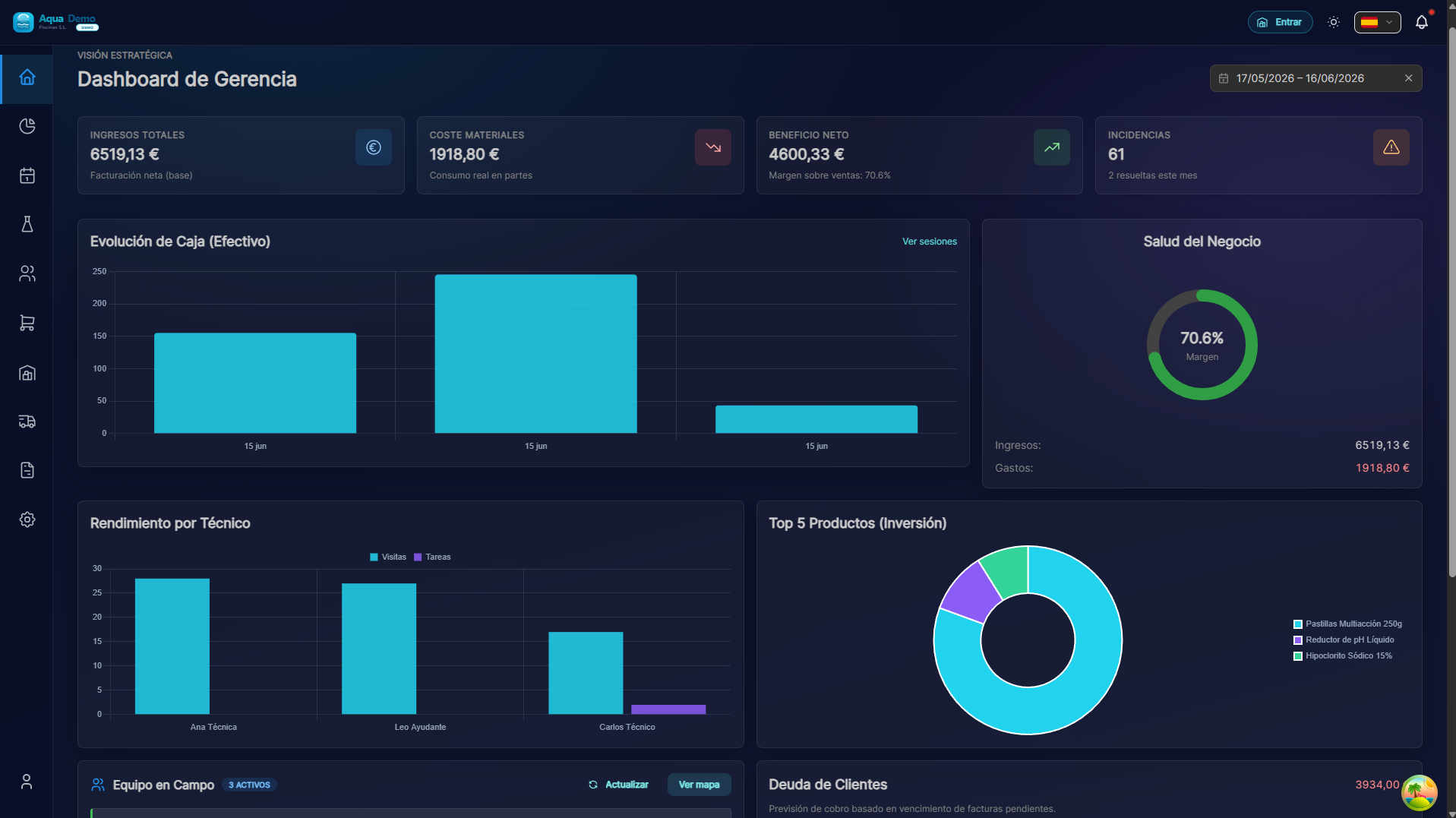
Captura con datos demo AquaDemo.Capture with AquaDemo demo data.
Level: 🟢 Easy
The mistakes we all make sometimes
🎯 Most frequent errors
| Error | What's up | How to avoid it |
|---|---|---|
| Delete accidentally | Something important is deleted | Confirm before deleting |
| Double click | Duplicate is created | Wait for it to load, do not click twice |
| Do not save | Job is lost | Save every few minutes |
| Wrong customer | Data in client that is not | Check name before saving |
📝 Errors and solutions
Error 1: "I accidentally deleted something"
What's up: You pressed "Delete" thinking it was something else, or thinking "I don't need this anymore."
Solution:
DO NOT panic
DO NOT close the program
Check for "Undo":
- Ctrl + Z (Windows)
- Cmd + Z (Mac)
- Or look for "Undo" button
If there is no undo:
- Contact the administrator
- Some data can be recovered from history
- If it is a client, it may only be "Inactive" (not deleted)
Prevention:
- PoolControl usually asks for confirmation before deleting
- Read the message: "Are you sure you want to delete?"
- If you are not sure, DO NOT press Yes
Error 2: "I double clicked and it came out duplicate"
What's up: You hit "Save" twice because it didn't seem to work. Result: 2 identical clients, 2 invoices, etc.
Solution:
Identify the duplicate:
- Normally the second one has something different (number, date)
Delete the duplicate:
- If you are a client: Edit → Status → Inactive (do not delete, inactive)
- If it is an invoice: Rectification (never delete invoices)
- If it is a visit: Cancel the duplicate
Prevention:
- Press ONCE
- Wait for it to finish (you will see "Saved" or a ✅)
- If it takes a while, wait, don't press again
Error 3: "I worked for 20 minutes and didn't save"
What's up: You were editing something, the power/coverage went out/the browser closed, and everything was lost.
Solution:
In PoolControl web:
- Some forms have auto-save
- Go to the section where you were, it may be partially saved
In mobile app:
- Usually has more aggressive auto-save
- Go to "Drafts" to see if it is there
If you got completely lost:
- It's time to do it again
- Next time, save every few minutes
Prevention:
- Save frequently (Ctrl + S)
- Don't write novels without saving
- On mobile, complete and send before changing screens
Error 4: "I was editing the wrong client"
What's up: You thought you were in "Casa García" but you were in "Casa Gómez". You changed the phone to the wrong one.
Solution:
If you haven't saved yet:
- Close without saving (Cancel button)
- Re-enter the correct customer
If you already saved:
- Returns to the wrong customer
- Put the data as it was (if you remember it)
- Go to the correct client and enter the new data
Prevention:
- Always look at the name ABOVE the screen
- Read before editing: "Is this the client I want to edit?"
Error 5: "The technician sees data from another customer"
What's up: The technician says that on his cell phone he sees pools that are not his, or mixed data.
Why it happens:
- The administrator assigned visits incorrectly
- There is a synchronization error
Solution:
Admin checks assignment:
- Calendar → View technician routes
- Are those pools assigned to him?
If they are incorrectly assigned:
- Transfer visits to the correct technician
- Or cancel and create new ones
The technician forces synchronization:
- App → More → Sync now
- Close and open the app
💡 Tips to avoid making mistakes
The "STOP" rule
Before:
- Delete → STOP, are you sure?
- Save → STOP, is this the correct client?
- Close → STOP, did I save?
The "ONE" rule
- ONE click save
- ONE client edited at a time
- ONE important documented change (photo, note...)
The "CONFIRM" rule
If the system asks you "Are you sure?", it's because something important is going to happen. Read and confirm consciously.
🆘 When to ask for help
Ask for help if:
- You deleted something important and you can't get it back
- There is mixed data between clients
- You think there is a bug (program error)
- You don't know what you touched but something is wrong
How to ask for help:
- Describe what you were doing
- What did you expect to happen?
- What really happened
- Screenshots if possible
❓ Frequently asked questions
"Is there an undo button?"
In some parts yes (Ctrl+Z), but not in all. Better to prevent.
"Can I recover something deleted days ago?"
Depends. Clients are only marked as "Inactive" (not actually deleted). But bills and visits, difficult.
"Can the administrator see who deleted something?"
Yes, there is audit history in System → Audit.
⚠️ We all make mistakes
The important thing is to recover quickly and learn for the next time.