

🔐 Login and Access Problems
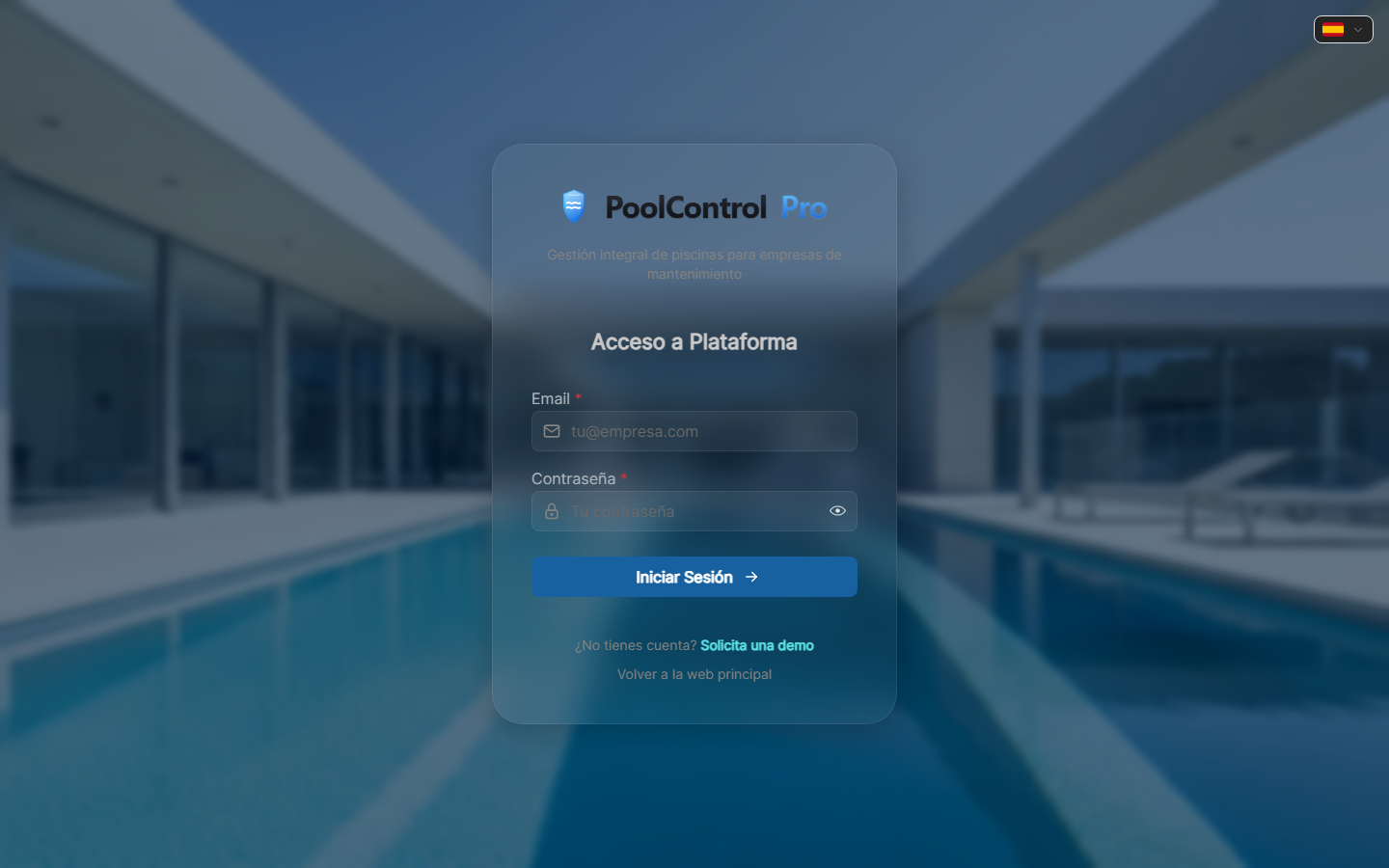
Captura con datos demo AquaDemo.Capture with AquaDemo demo data.
Level: 🟢 Easy
When you can't enter PoolControl
🎯 Most common problems
| Problem | Symptom | Quick fix |
|---|---|---|
| Forgot password | "Incorrect password" | Use "Forgot Password?" |
| Email not recognized | "User does not exist" | Check correct email |
| Account blocked | "Account blocked" | Wait 30 min or contact admin |
| No permissions | "You don't have access" | Review permissions with the administrator |
| Page not loading | Blank screen | Check the internet, try another browser |
📝 Step by step solution
Problem: "I forgot my password"
Solution:
- On the login screen, press "Forgot your password?"
- Write your email (the same one you registered with)
- Check your mail (also the Spam folder)
- Look for an email from PoolControl with the subject "Recover Password"
- Click the link in the email
- Enter a new password (2 times to confirm)
- Return to the login screen and log in
Email not arriving?
- Wait 5 minutes (sometimes it takes)
- Check the Spam or Junk Mail folder
- Make sure you wrote the correct email
- If it still does not arrive, contact support
Problem: "User not found"
Why it happens: You are using a different email than the registration one.
Solution:
Try with other emails you have:
Ask the administrator:
- "What email did you register me with?"
- He can see it in the user list
If the email no longer exists (e.g. you changed companies):
- The administrator must change your email in the system
- You can't do it alone
Problem: "Account locked"
Why it happens: You tried to log in many times with the wrong password.
Solution:
Wait 30 minutes:
- The blockage is temporary for security
- After 30 minutes it unlocks itself
If still blocked:
- Contact the administrator of your company
- He can unblock you from:
- System → Device → Your user → Unlock
Prevention:
- If you don't remember your password, use "Forgot Password"
- Don't try to guess too many times
Problem: "You don't have permissions"
Why it happens: Your user does not have permission to view that section.
Examples:
- Technician tries to see billing ❌
- Seller tries to see payroll ❌
- New user tries to view settings ❌
Solution:
- Contact the administrator of your company
- Tell him what you need to do:
- "I need to see the clients to..."
- "I need to create invoices because..."
- The administrator will give you the necessary permissions:
- System → Roles and Permissions → Your user
Note: Not all users can have all permissions. It's for security.
Problem: "The page does not load"
Check:
Do you have internet?
- Open Google or another website
- If it doesn't load, the problem is your connection
Is the URL correct?
- ERP (employees): https://poolcontrolpro.com/login
- Portal (end customers): https://poolcontrolpro.com/portal/login
- Do not use
app.poolcontrolpro.com(it does not exist).
Try another browser:
- If you use Chrome, try Firefox or Safari
- Sometimes there are problems with extensions
Clear cache:
- Ctrl + Shift + R (Windows)
- Cmd + Shift + R (Mac)
- Or try "Incognito Mode"
If nothing works:
- Ask colleagues if it works for them
- If it is a general problem: wait (it may be maintenance)
- If it only happens to you: contact support
🔒 Account Security
Good practices:
Secure password:
- Minimum 8 characters
- Mix uppercase, lowercase, numbers
- Do not use "123456" or "password"
- Do not use your date of birth
Good example: Pool2024!Seguro
Do not share your account:
- Each person must have their username
- If you share, they don't know who did what
- And if there is a problem, they don't know who to blame
Log out when finished:
- Especially on shared computers
- Menu → Log out
❓ Frequently asked questions
"Can I change my email?"
Yes, but it must be done by the administrator. You cannot change it from your profile.
"Can I use the same account on my mobile and computer?"
Yes, the same account works on all devices.
"Would you just log me out?"
Yes, for security reasons you log out after 8 hours of inactivity.
"What happens if my cell phone is stolen?"
- Change your password immediately from another device
- Notify the administrator
- Check if suspicious changes were made
✅ Access checklist
When creating a new account:
- [ ] Correct and accessible email
- [ ] Secure but easy to remember password
- [ ] Save password in a safe place
- [ ] Test login on mobile and computer
Frequent problems:
- [ ] Try "Forgot Password" before calling support
- [ ] Check spam if no email arrives
- [ ] Ask the admin if you don't have permissions
🔐 Without access there is no job
If you can't get in, you can't work. Solve it quickly.